2. Connecting to the HPC
Tailscale SSH Setup
Digilab uses Tailscale SSH to access its HPCs.
Installing Tailscale
Visit Tailscale's installation page and follow its instructions according to your device's operating system.
Further Tailscale commands on Linux devices might require you to sudo into your system.
Ensure that Tailscale is installed properly by running the following command on your terminal:
tailscale status
Login into Tailscale
Run the following command to login into Tailscale CLI:
tailscale login
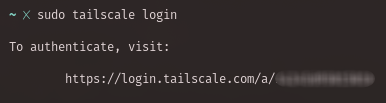
Visit the authentication link and login with Google guest.. The password should be given by the HPC coordinator.
digilabui@gmail.digilabui @ gmail.com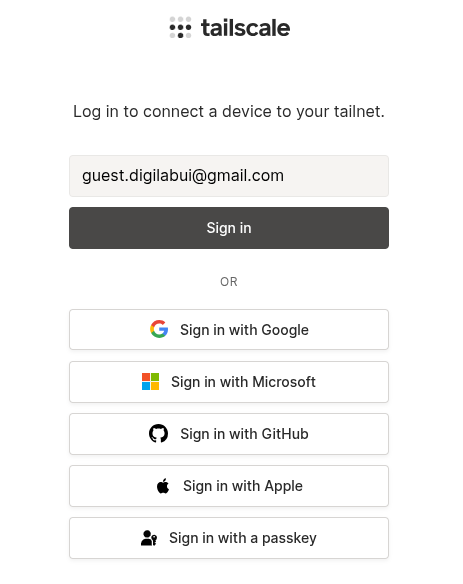
Select Digilab Network when given the option, then press connect.
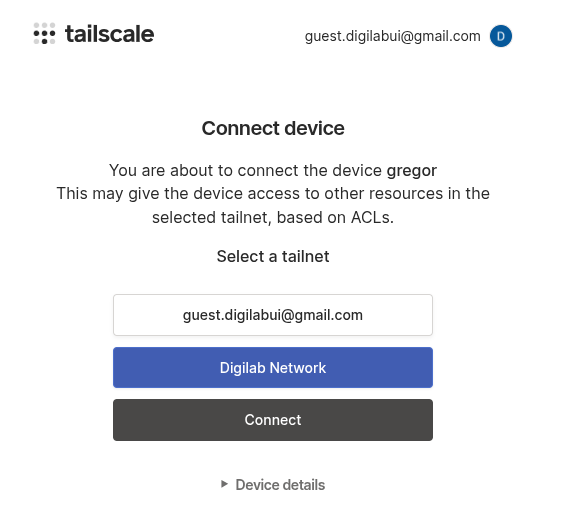
The command line should display 'Success.'

SSH into The Machine
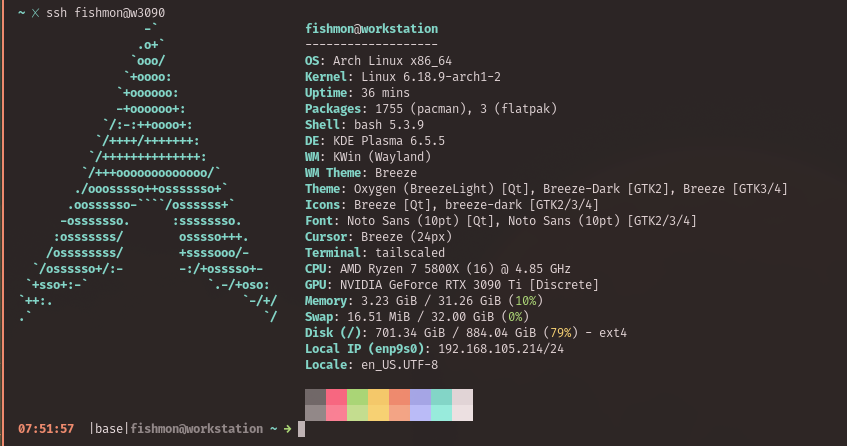
By now, the coordinator should have given you a username and a Tailscale name for the HPC. You can connect to the HPC by doing:
ssh USERNAME@TAILSCALE_NAME
Example: